


Digital Library
Digital Library
Technology-Enabled Academic Resource Center
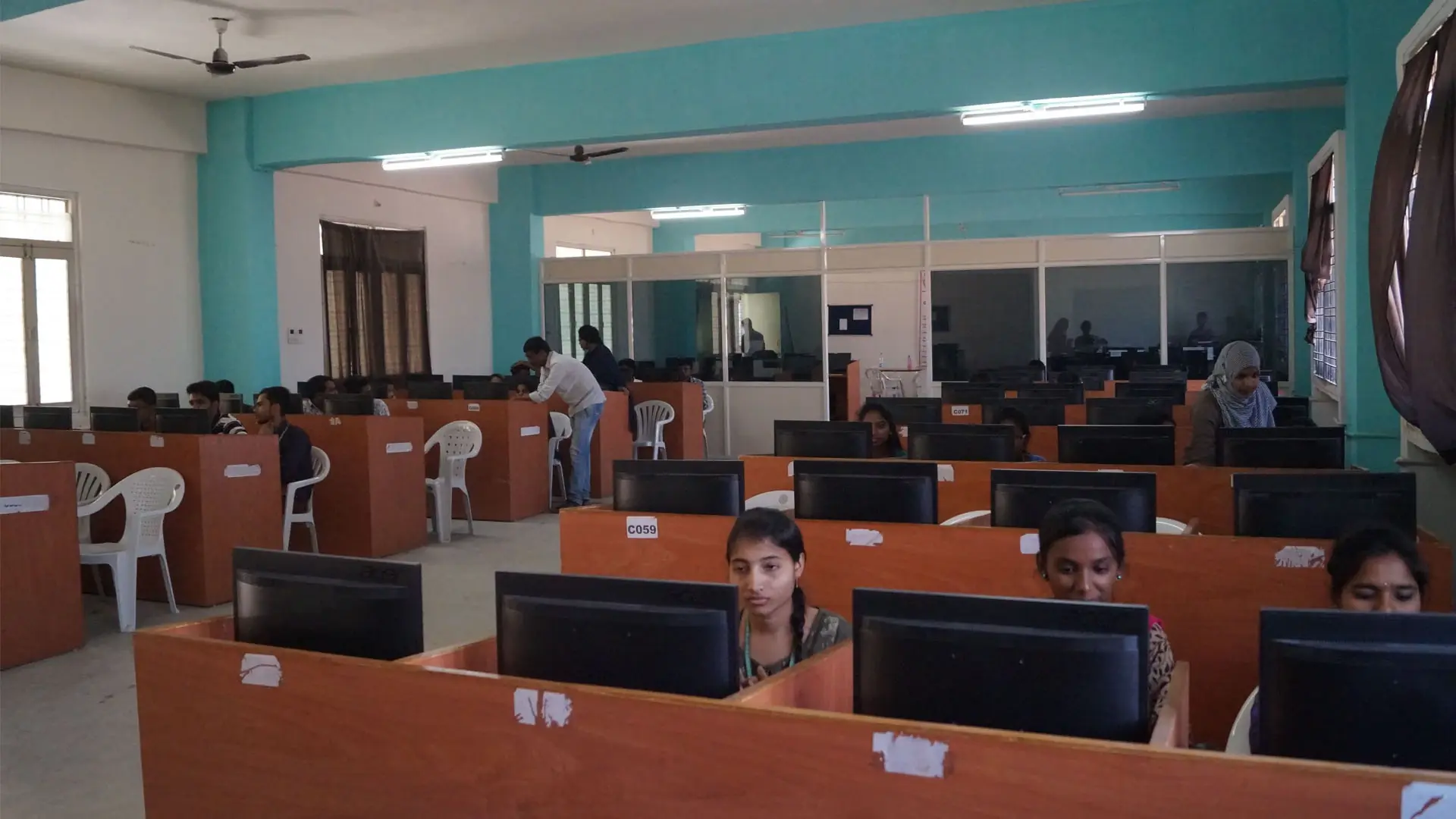
The Digital Library at Brilliant Institute of Engineering and Technology (BRIL) is a technology-enabled academic resource centre designed to support modern learning, research, and knowledge sharing. The facility is equipped with 120 computer systems with high-speed internet connectivity and a fully Wi-Fi enabled environment that allows students and faculty to access a wide range of digital learning resources.
The digital library provides access to a variety of electronic resources including online journals, e-books, academic databases, scanned documents, course materials, and research publications. These resources help students stay updated with the latest developments in engineering, technology, and management education.
By integrating modern information technologies with traditional academic resources, the BRIL Digital Library supports independent learning, research activities, and knowledge discovery. Students can efficiently search, access, and utilize academic information through internet-based platforms and institutional digital repositories.
- The Digital Library is intended strictly for academic and research purposes
- Online chatting and non-academic internet usage are not permitted
- Accessing social networking or unrelated websites is strictly prohibited
- Changing system settings on library computers is not allowed
- Playing games on library computers is strictly prohibited
- Use of external devices such as pen drives or mobile phones is restricted
- Main Librarian: librarian@b-iet.ac.in
- Asst. Librarian 1: asst.librarian1@b-iet.ac.in
- Asst. Librarian 2: asst.librarian2@b-iet.ac.in
Steps to Access J-Gate Open Access Books
Step 1: Open the website: https://jgatenext.com
Step 2: Log in using the following credentials:
- Login ID: brilliantuser
- Password: brilliantjgate
Step 3: After logging in, go to the “Book Finder” option in the menu.
Step 4: In the left sidebar, select “Open Access.”
Steps to Access DELNET Knowledge Gainer E-Books
Step 1: Open the website: https://knowledgegainer.delnet.in
Step 2: Log in using the following credentials:
- User Name: tgbieta
- Password: bie3027
Step 3: After logging in, click on “Knowledge Gainer”.
Step 4: Select “E-Books” to access available content.
Step 5: Browse the site to find the required content.
NAAC 'A' Grade Accredited Institution
All facilities at BRIL are maintained in accordance with NAAC, AICTE, and UGC standards, ensuring a world-class academic environment for students, faculty, and staff.